For owners and managers
See the booking picture, prepare the room and give follow-up a clear owner.
The restaurant working day
Review arrivals, tables and useful guest requests
Keep hosts, walk-ins and the floor in view
Listen privately and prepare a relevant invitation
Built around the working day
See the booking picture, prepare the room and give follow-up a clear owner.
Keep tables, arrivals, walk-ins and useful guest requests in view.
Turn appropriate guest context into reviewed campaigns with a direct route to book.
How the work connects
Prepare from the booking book, keep arrivals and table changes visible, then connect private feedback and reviewed invitations to the visit.
Each part of the team has a practical next step in the same guest relationship.
An example workflow. Explore your restaurant’s setup in a demo.Review expected covers, arrival windows and requests, then manage arrivals, walk-ins and waiting parties.
Keep useful history, preferences and permissions close to the next reservation.
Give concerns an owner and prepare relevant campaigns for guests who can receive them.
Ask about reviewed menu management, team handovers, Data Hub reporting and assisted questions through the available managed rollouts.
The moments your team recognises
Connect the people running service with the booking, guest and follow-up information they need.
Review the table arrangement, arrival window and any practical request. Make sure the host knows which arrangements have been confirmed and which still need a decision.
Reservations + Guest ProfilesAuthorised staff can check relevant visit history and preferences before arrival. Give the team useful context while keeping the guest’s current request and your confirmed arrangement clear.
Guest Portal + Guest ProfilesKeep the original feedback, available visit context and next action together. Give follow-up a named owner so a shift change does not leave responsibility unclear.
Private Feedback + RecoveryChoose a concrete reason to return, review an eligible audience and prepare the restaurant’s message. Check the booking destination before the campaign is approved.
Guest Marketing + ReservationsA closer look at the workflow
A busy evening brings direct bookings, changing plans and guests the team has welcomed before. Connect those moments so each colleague knows what to do next.
The manager reviews expected covers and arrival windows. The host checks tables and practical requests. A short briefing gives outstanding questions an owner before the first arrival.
Manager + host → service planThe guest reports a delay or uses a permitted booking change. The host reviews the current booking with arrivals, walk-ins and table progress, keeping the room’s availability in view.
Guest + floor team → current service pictureA concern reaches a manager through private feedback. Later, an appropriate guest audience receives a reviewed restaurant invitation with a direct route to book again.
Manager + marketing → thoughtful follow-up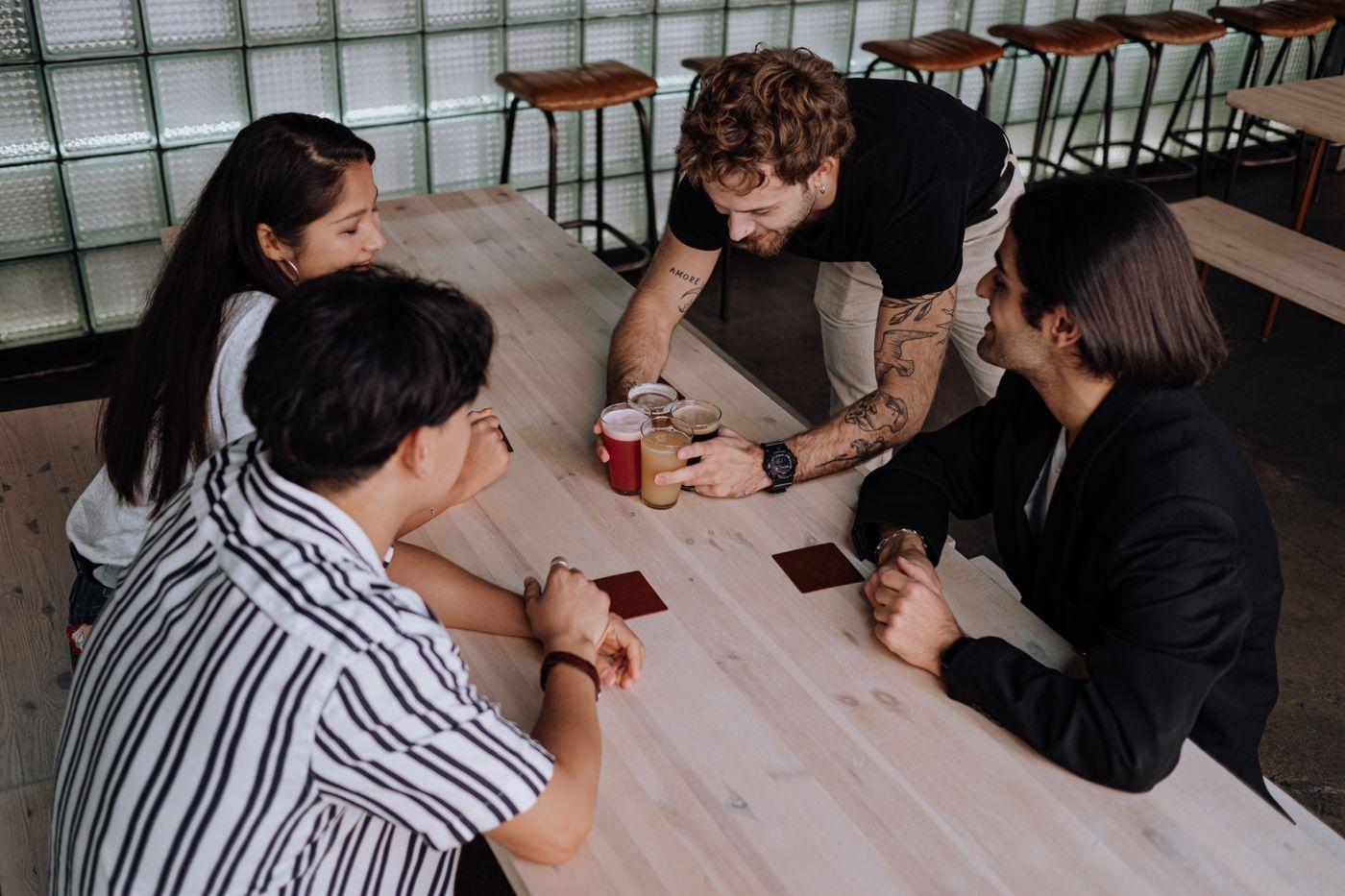
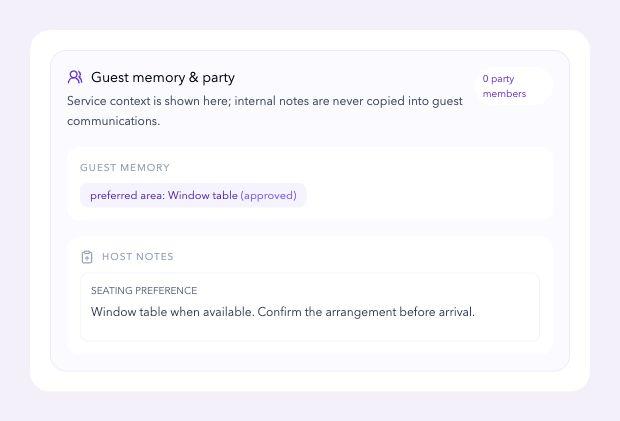
Guest memory & party context
Keep useful preferences and party details close to the booking.
Connected Findsy workflows
Customer perspective / AMNI
AMNI uses a clearer view of reservations, expected covers and arrival times to prepare the team with more confidence before service.
Read the AMNI perspective →Getting started
Start with the workflow you need. Review your current records, configure the restaurant and rehearse with the team before launch.
Your practical questions
Bring any venue-specific requirement to the demo so the team can confirm the available workflow and setup.
Yes. Essential establishes the booking and service foundation. Growth adds reviewed guest campaigns and private feedback; confirm the scope and timing of your setup.
Your current process is the starting point. Review future bookings, a practical working export or spreadsheet, setup responsibilities and training with the Findsy team.
Agree the first workflow and changeover checks, then phase in the relevant guest, feedback and campaign tools.
Agree a small set of measures from the information available: booking completion, arrival handling, feedback ownership or campaign-attributed reservations. Review them in context with the team.
Your 15-minute Findsy demo
Bring one current challenge. Walk through the relevant guest and team views, then discuss your starting point.
Book a 15-minute demo →Follow your guest from booking to arrival.
Explore one service or guest-follow-up challenge.
Agree the starting plan, training and changeover questions.