
Visibility across restaurants
Bring the supported booking and venue views into the group conversation. Understand which restaurant or service needs a closer look.
Group view → venue contextRestaurant groups
Supported venue views and useful reporting
Bookings, tables and guests at each restaurant
Relevant campaigns and thoughtful follow-up
Built for restaurant groups
Connect the wider view with the detail of each restaurant’s working day.
Bring the supported booking and venue views into the group conversation. Understand which restaurant or service needs a closer look.
Group view → venue contextKeep local rooms, hours, table rules and staff access appropriate to the restaurant. Give the people on the floor the information they need.
Local setup → confident serviceConnect useful guest context, reviewed invitations and private feedback within your configured organisation and permissions.
Guest context → next visitHow the work connects
Central teams review the supported venue views, while managers work with current reservations, guest context and service activity at their own restaurant.
Bring local context to group decisions without losing the details of each service.
An example workflow. Explore your restaurant’s setup in a demo.Floor plans, opening hours, table rules and availability reflect the room and service at each venue.
Staff access follows the configured organisation and venue roles. Supported reporting views bring the relevant information to central and local teams.
Use verified guest links and appropriate permissions where sharing is configured. Keep useful visit context available to the authorised team.
Keep the venue’s voice in reviewed campaigns. Give private feedback a local manager and a clear next action.
A closer look at the workflow
A busy weekend looks different at every restaurant. Connect the available venue information with the people who understand what happened on the floor.
The central team reviews the supported booking and venue views. Look for the services and restaurants that need a closer conversation.
Central team → relevant venue questionThe venue manager reviews current bookings, arrival patterns and useful guest context. Local information helps explain what the group view alone cannot.
Venue manager → service contextThe team makes practical changes to its service setup, prepares a reviewed guest invitation or follows through on private feedback. Keep the next review focused on the question being addressed.
Group insight → local action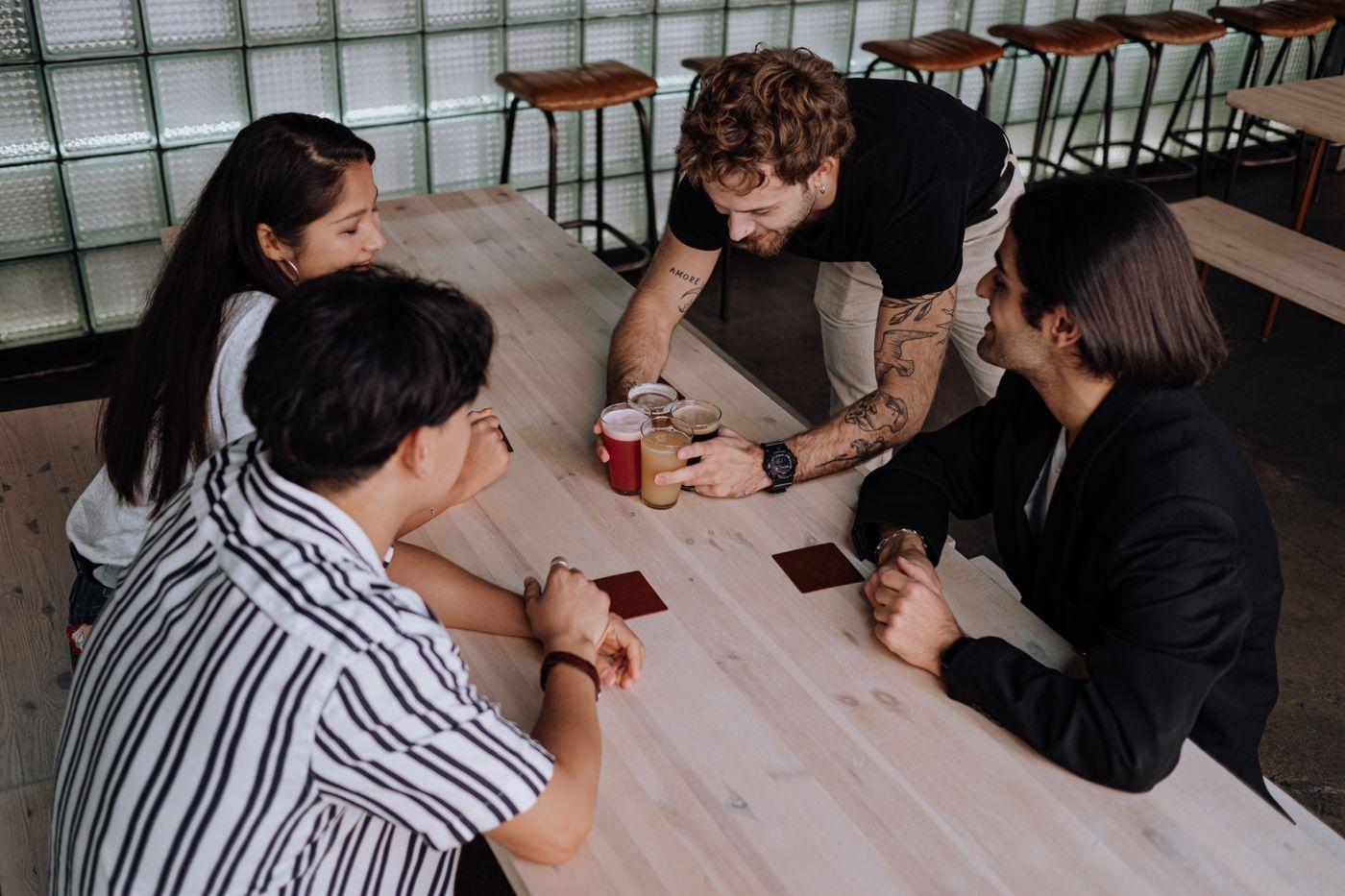
One group. Individual welcomes.
A shared platform should still feel like the restaurant. Help local teams prepare the room, recognise useful preferences and give guests a reason to visit again.
Explore the guest experience →Connected Findsy workflows
Getting started
Introduce the venues in stages, with local configuration, team training and clear launch checks. Reporting and guest-sharing availability are confirmed during setup.
Your practical questions
Bring any venue-specific requirement to the demo so the team can confirm the available workflow and setup.
Yes. Rooms, opening hours, service times and booking rules can reflect each restaurant’s operation.
The available views depend on your configured organisation, staff access and supported reporting. Confirm the group and venue information you need during the Enterprise demo.
Verified guest links can support configured venue sharing. Guest information is available only within the supported access and permission settings.
No. A staged rollout can introduce the first restaurant, train the team and review the setup before extending it to the next venues.
Your 15-minute Findsy demo
Bring one current challenge. Walk through the relevant guest and team views, then discuss your starting point.
Book a 15-minute demo →Explore the group and venue views relevant to your restaurants.
Follow a guest relationship and local service workflow.
Review reporting availability, venue access and a staged rollout.